4 Best AI Tools for Public Speaking and Presentation Skills
Improve your presentation delivery with these 4 best AI tools that analyze your speech patterns and body language.
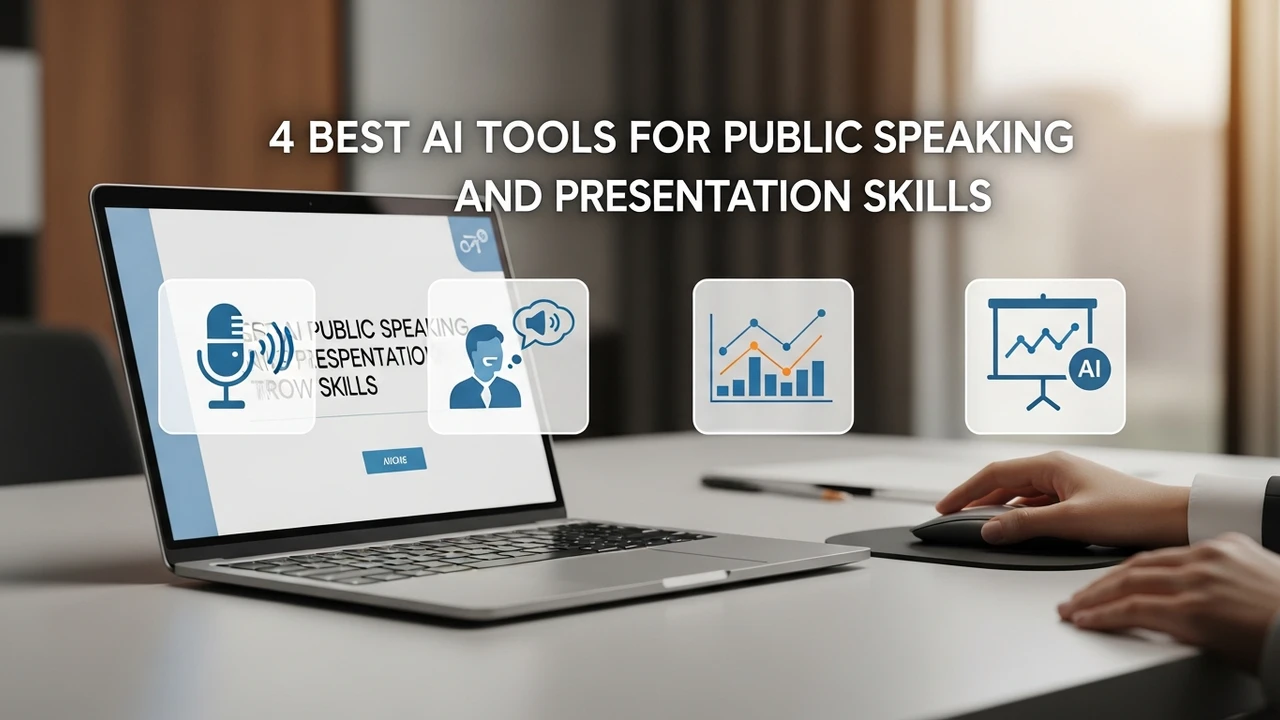
Improve your presentation delivery with these 4 best AI tools that analyze your speech patterns and body language.
4 Best AI Tools for Public Speaking and Presentation Skills
Public speaking is one of those skills that almost everyone finds nerve-wracking. Whether you are a student preparing for a thesis defense or a professional pitching to a high-stakes client, the fear of freezing up or losing your audience is real. But what if you had a personal coach available 24/7 to critique your tone, pace, and even your eye contact? That is exactly where AI-powered public speaking tools come into play. These platforms are changing the game by providing objective, data-driven feedback that human peers often hesitate to give.
Why AI Speech Analysis Tools Are Essential for Career Growth
In the past, improving your speaking skills meant recording yourself on a phone, watching it back, and trying to guess why you sounded awkward. It was subjective and slow. Today, AI tools analyze your voice in real-time, tracking filler words like "um" and "ah," measuring your speaking speed, and even detecting the emotional resonance of your delivery. For professionals in the US and Southeast Asian markets, where clear communication is a top-tier soft skill, these tools offer a competitive edge. They help you build confidence by turning the abstract feeling of "I did okay" into concrete metrics like "You spoke at 140 words per minute with 95% clarity."
Top 4 AI Tools for Mastering Public Speaking
Let’s dive into the best software currently available to help you refine your delivery. Each of these has a unique focus, ranging from body language tracking to real-time speech coaching.
1. Yoodli AI Speech Coach
Yoodli is arguably the most popular choice for those who want a comprehensive breakdown of their performance. It acts like a private tutor that records your practice sessions and provides a dashboard of your strengths and weaknesses. It is particularly good at identifying those pesky filler words that creep into our speech when we are nervous. The platform also offers follow-up questions to test your ability to think on your feet, which is perfect for Q&A preparation.
Use Case: Ideal for job interview prep and rehearsing high-stakes business presentations.
Pricing: Yoodli offers a generous free tier, with premium features starting around $10/month for advanced analytics.
2. Orai AI for Presentation Delivery
Orai is a mobile-first application that focuses on making practice accessible anywhere. If you have a commute or a few minutes before a meeting, you can open Orai and run a quick drill. It uses advanced speech recognition to give you a score on your conciseness, energy, and clarity. What sets Orai apart is its structured lessons that guide you through specific modules, such as how to tell a story or how to use pauses effectively.
Use Case: Perfect for busy professionals who need to practice on the go.
Pricing: Subscription-based, typically around $10/month or $99/year.
3. Poised AI for Real Time Communication Feedback
Poised is unique because it works while you are actually in a meeting. It sits in the background of your Zoom or Google Meet calls and provides subtle, real-time nudges. If you are talking too fast or interrupting others, Poised will let you know. It is less about rehearsing and more about improving your live performance. It tracks your "talk time" versus "listen time," which is a crucial metric for effective leadership.
Use Case: Best for remote workers and managers who spend their days on video calls.
Pricing: Offers a free version with limited tracking; Pro plans start at $40/month.
4. VirtualSpeech for VR Public Speaking Practice
If you want to simulate the pressure of a real audience, VirtualSpeech is the gold standard. It uses VR technology to place you in front of a virtual crowd. You can choose different environments, from a small boardroom to a massive auditorium. The AI tracks your eye contact and head movement, ensuring you are engaging with the entire room rather than just staring at your notes.
Use Case: Best for those who suffer from severe stage fright and need to desensitize themselves to large crowds.
Pricing: Various packages available, often starting at $45 for a monthly subscription.
Comparing AI Presentation Tools for Different Needs
Choosing the right tool depends on your specific goal. If you are looking for deep, post-session analysis, Yoodli is your best bet. If you are struggling with live meeting etiquette, Poised is the clear winner. For those who need to overcome the physical sensation of being on stage, VirtualSpeech provides an experience that no other app can match. Orai remains the best all-rounder for daily habit building. When comparing these, consider your budget and how much time you can realistically dedicate to practice. Most of these tools offer free trials, so it is worth testing them with a short 2-minute speech to see which interface feels most natural to you.
Integrating AI Feedback into Your Daily Routine
The secret to getting the most out of these tools is consistency. You don't need to spend hours every day. Even 10 minutes of focused practice using an AI coach can yield better results than an hour of aimless rehearsing. Start by recording a baseline video of yourself speaking about a topic you know well. Use the AI to identify your top three "bad habits." Focus on fixing just one of those habits for the next week. Once you have mastered that, move on to the next. This iterative approach is how you turn these AI insights into permanent improvements in your communication style. Remember, the goal isn't to sound like a robot, but to use these tools to strip away the distractions so your actual message can shine through.
:max_bytes(150000):strip_icc()/277019-baked-pork-chops-with-cream-of-mushroom-soup-DDMFS-beauty-4x3-BG-7505-5762b731cf30447d9cbbbbbf387beafa.jpg)