3 Best AI Tools for Language Translation in Classrooms
Support diverse learners with these 3 best AI tools for real-time language translation and accessibility in the classroom.
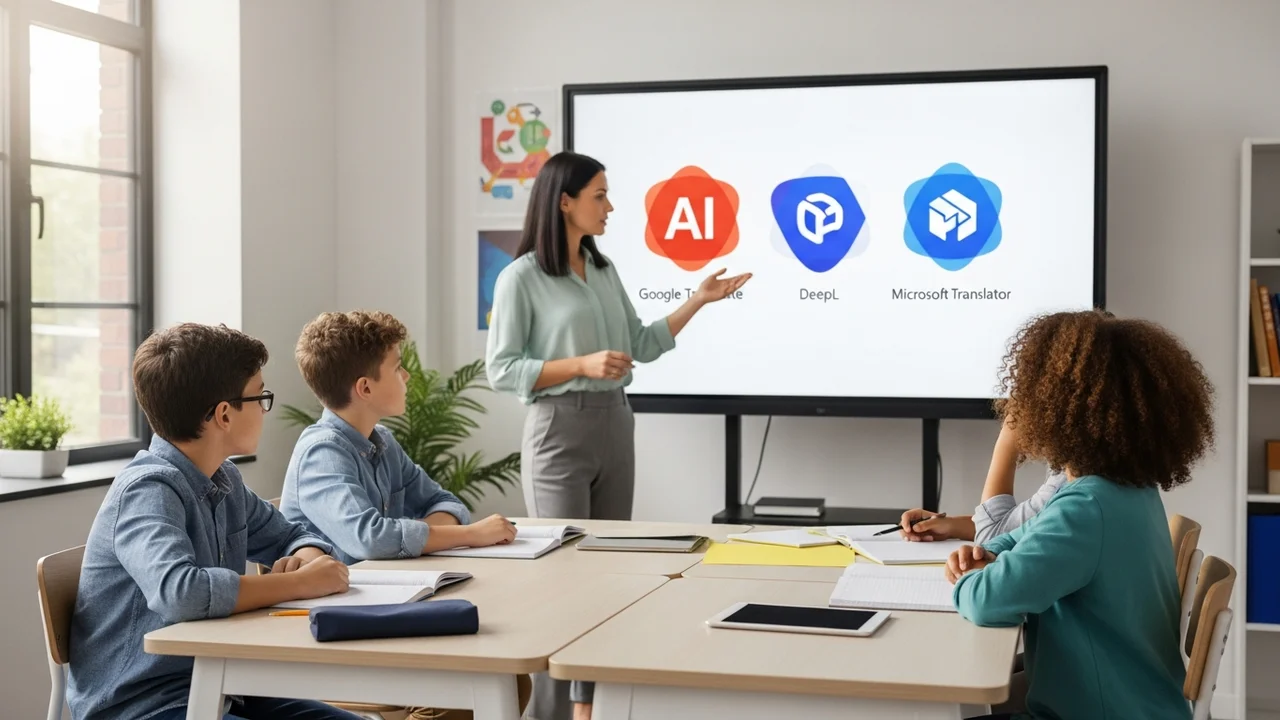
3 Best AI Tools for Language Translation in Classrooms
Support diverse learners with these 3 best AI tools for real-time language translation and accessibility in the classroom.
Imagine walking into a classroom where students speak five different native languages. It used to be a logistical nightmare for teachers, but today, AI-powered translation tools are turning these barriers into bridges. Whether you are teaching in a bustling international school in Singapore or a diverse public school in the US, breaking the language barrier is no longer just a dream—it is a reality you can implement today.
Why AI Translation Tools are Essential for Modern Education
Language diversity in classrooms is growing rapidly. When students cannot understand the core instruction, their academic performance suffers, and their confidence plummets. AI translation tools provide real-time support, allowing students to follow along with lectures, participate in discussions, and complete assignments in their native language while simultaneously learning the language of instruction. This creates an inclusive environment where every student feels seen and heard.
Top 3 AI Translation Tools for Teachers and Students
After testing dozens of platforms, three stand out for their accuracy, ease of use, and integration capabilities in an educational setting.
1 Microsoft Translator for Education
Microsoft Translator is arguably the gold standard for live classroom interaction. Its 'Live' feature allows a teacher to start a conversation, and students can join via a QR code. As the teacher speaks, the text appears on the student's device in their chosen language in real-time.
Use Case: Perfect for lectures where the teacher wants to ensure non-native speakers are following the narrative. It also supports multi-language group chats.
Pricing: Free for educational institutions.
2 Google Translate with Conversation Mode
While often dismissed as a simple tool, Google Translate has evolved significantly. Its conversation mode is incredibly intuitive for one-on-one parent-teacher conferences or small group work where students need to communicate with peers who speak different languages.
Use Case: Ideal for quick, spontaneous interactions and translating printed handouts or worksheets using the camera feature.
Pricing: Free.
3 DeepL for Academic Accuracy
If you need high-quality, nuanced translation for academic papers or complex reading materials, DeepL is the winner. It uses advanced neural networks to understand context better than most competitors, making it less likely to produce awkward or incorrect translations.
Use Case: Best for translating complex textbooks, research articles, or formal written instructions for students.
Pricing: Free version available; Pro plans start at approximately $8.74 per user/month.
Comparing AI Translation Features for Classroom Success
When choosing between these tools, consider your specific needs. Microsoft Translator is built for the classroom ecosystem, making it the best choice for live lectures. Google Translate is your go-to for mobility and quick, everyday tasks. DeepL is the professional choice for high-stakes written content. If you are looking for a balance, many teachers use a combination of Microsoft for lectures and DeepL for document preparation.
Implementing AI Translation in Your Daily Teaching Routine
Start small. Don't try to overhaul your entire curriculum overnight. Begin by using Microsoft Translator during one lecture a week. Observe how your students react. You will likely notice that students who were previously quiet start asking questions because they finally have the confidence to participate. Encourage students to use these tools for their own research, but always remind them to verify the output, as AI can occasionally misinterpret idioms or highly technical jargon.
The goal is to empower students to take ownership of their learning. By providing them with these digital tools, you are not just teaching them a subject; you are teaching them how to navigate a globalized world where communication is the most valuable skill of all. Keep experimenting with these tools, and you will find that the language barrier becomes just another challenge you can easily overcome together.
:max_bytes(150000):strip_icc()/277019-baked-pork-chops-with-cream-of-mushroom-soup-DDMFS-beauty-4x3-BG-7505-5762b731cf30447d9cbbbbbf387beafa.jpg)