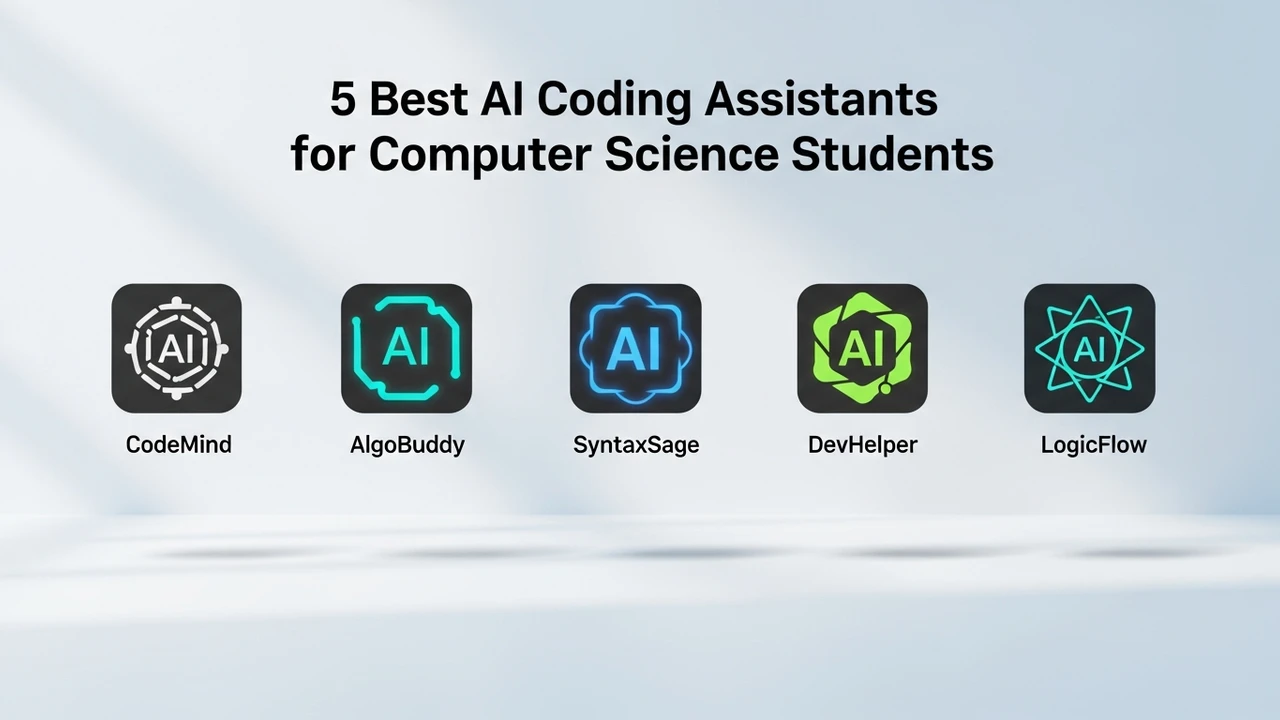
5 Best AI Coding Assistants for Computer Science Students
Explore the 5 best AI coding assistants that help computer science students debug code and learn new programming languages faster.
Explore the 5 best AI coding assistants that help computer science students debug code and learn new programming languages faster.
5 Best AI Coding Assistants for Computer Science Students
If you are currently grinding through a computer science degree, you know the feeling of staring at a screen at 3 AM, wondering why your code won't compile. It is frustrating, exhausting, and honestly, a huge part of the learning curve. But what if you had a pair programmer sitting next to you, ready to explain that cryptic error message or suggest a more efficient algorithm? That is exactly what AI coding assistants are doing for students today. They are not just about cheating on assignments; they are about leveling up your skills and understanding the logic behind the syntax.
Why Computer Science Students Need AI Coding Assistants
The landscape of software development is changing rapidly. In the past, you had to rely solely on textbooks and Stack Overflow. Now, AI tools act as real-time tutors. They help you break down complex problems, refactor messy code, and even explain how specific libraries work. For a student, this means less time stuck on syntax errors and more time focusing on architecture and problem-solving. Whether you are learning Python, Java, or C++, these tools are becoming essential parts of the modern developer's toolkit.
Top 5 AI Coding Assistants for Academic Success
We have tested several platforms to see which ones actually help you learn rather than just doing the work for you. Here are the top contenders.
1 GitHub Copilot
GitHub Copilot is the gold standard. It is powered by OpenAI's Codex and integrates directly into VS Code. It is incredibly smart at predicting what you are about to type. For students, the best part is that it is free if you have a GitHub Student Developer Pack. It is perfect for boilerplate code and learning how to structure your functions.
2 Tabnine
Tabnine is a great alternative if you are worried about privacy or want to run models locally. It offers excellent code completion and is very fast. It learns from your coding style, which makes it feel very personalized. It is a fantastic tool for students working on large projects where consistency is key.
3 Cursor
Cursor is a fork of VS Code that has AI baked into the core. It is not just an extension; it is an entire IDE. You can highlight a block of code and ask the AI to explain it, refactor it, or find bugs. It is arguably the most intuitive tool for students who want a seamless AI experience.
4 Amazon CodeWhisperer
If you are interested in cloud development, CodeWhisperer is a must-try. It is optimized for AWS services and provides security scans to ensure your code is safe. It is free for individual developers, making it a budget-friendly choice for students.
5 Codeium
Codeium is the best free option for students who don't want to deal with complex setups. It supports over 70 languages and integrates with almost every IDE. It is fast, accurate, and offers a very generous free tier that is perfect for academic use.
Comparing Features and Pricing for Students
When choosing an assistant, you need to look at more than just the price. GitHub Copilot is great for integration, but Cursor offers a better conversational experience. Tabnine is superior for offline work. Most of these tools offer free tiers for students, but always check the GitHub Student Developer Pack first, as it often unlocks premium features for free. For example, while Copilot costs $10/month for regular users, it is free for verified students.
Practical Use Cases in Your Daily Workflow
Don't just use these tools to write your code. Use them to learn. When you get an error, paste it into the AI and ask it to explain the 'why' behind the error. Use the 'refactor' feature to see how your code can be written more cleanly. If you are learning a new language, ask the AI to translate a snippet from Python to Java so you can compare the syntax. This active learning approach is what will make you a better developer in the long run.
Tips for Using AI Responsibly in Your Studies
Remember that AI is a tool, not a replacement for your brain. If you rely on it too much, you might struggle during exams or technical interviews. Always review the code the AI generates. Sometimes it hallucinates or suggests outdated methods. Treat the AI as a junior developer you are mentoring—verify everything it says, and you will find that your coding skills improve significantly over the course of your degree.
:max_bytes(150000):strip_icc()/277019-baked-pork-chops-with-cream-of-mushroom-soup-DDMFS-beauty-4x3-BG-7505-5762b731cf30447d9cbbbbbf387beafa.jpg)