3 Best AI Tools for Learning Time Management
Master your schedule with these 3 best AI tools that help you prioritize tasks and increase productivity.
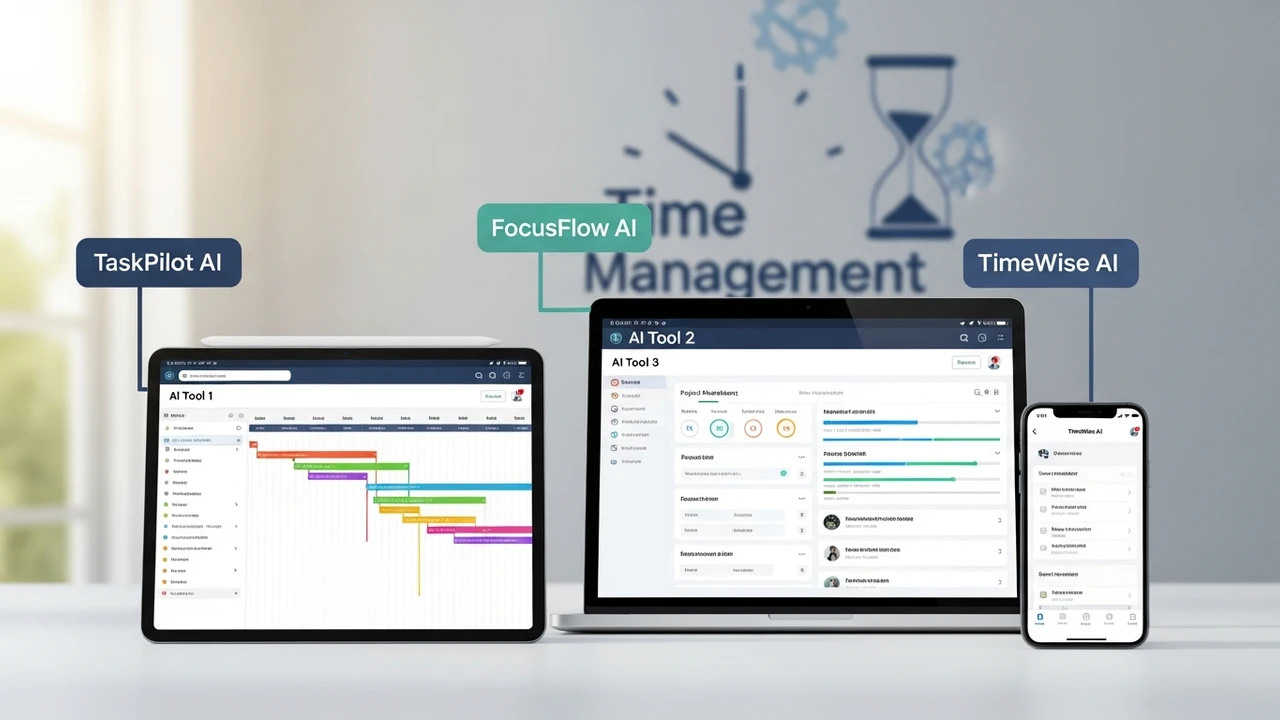
Master your schedule with these 3 best AI tools that help you prioritize tasks and increase productivity.
3 Best AI Tools for Learning Time Management
We have all been there. You sit down at your desk with a massive to-do list, and by the end of the day, you realize you have only finished the easy, low-impact tasks while the big projects remain untouched. Time management is not just about working harder; it is about working smarter. In our fast-paced digital world, AI has become a game-changer for anyone looking to reclaim their hours. Whether you are a student juggling exams or a professional managing multiple projects, these AI-driven assistants can help you structure your day, prioritize effectively, and finally stop procrastinating.
Why AI is the Future of Personal Productivity and Time Management
Traditional calendars and paper planners are great, but they are static. They do not know when you are most productive or how long a task actually takes you. AI tools, on the other hand, learn from your habits. They analyze your workflow, suggest the best times for deep work, and even block out distractions. By integrating machine learning into your daily routine, you are essentially hiring a personal assistant that never sleeps. This shift from manual scheduling to AI-assisted planning is the single most effective way to boost your output without burning out.
Top 3 AI Tools for Mastering Your Daily Schedule
After testing dozens of applications, three stand out for their ability to transform how you manage your time. These tools are not just about reminders; they are about intelligent optimization.
1. Motion: The Intelligent Calendar Automator
Motion is arguably the most powerful tool for people who feel overwhelmed by their calendars. It uses AI to automatically build your schedule. You simply input your tasks, deadlines, and priorities, and Motion does the rest. If a meeting runs long, Motion automatically reshuffles your remaining tasks to ensure you still hit your deadlines. It is perfect for professionals who have back-to-back meetings and struggle to find time for actual work.
Pricing: Starts at $19 per month for individual users.
2. Reclaim.ai: The Smart Habit Builder
If you struggle to find time for personal development or exercise, Reclaim.ai is your best friend. It integrates with Google Calendar to find "gaps" in your schedule for your habits. If you want to spend an hour learning a new skill, Reclaim will automatically find the best time slot based on your availability and priorities. It is incredibly intuitive and helps you protect your time for what truly matters.
Pricing: Offers a generous free tier, with paid plans starting at $8 per month.
3. Clockwise: The Focus Time Optimizer
Clockwise is designed for teams and individuals who want to maximize their focus time. It analyzes your calendar and moves flexible meetings to create larger blocks of uninterrupted time. This is essential for deep work, such as coding, writing, or strategic planning. By reducing context switching, Clockwise helps you get into a flow state faster and stay there longer.
Pricing: Free for individuals, with team plans starting at $6.75 per user per month.
Comparing AI Time Management Features and Use Cases
Choosing the right tool depends on your specific pain points. If you are a project manager, Motion is likely your best bet because of its robust task-to-calendar integration. If you are a student or a freelancer trying to build better habits, Reclaim.ai offers a more flexible, habit-focused approach. For those working in corporate environments where meetings are the biggest distraction, Clockwise is the gold standard for reclaiming your focus hours.
Practical Tips for Integrating AI into Your Workflow
The biggest mistake people make is expecting the AI to do everything perfectly on day one. You need to feed these tools accurate data. Be honest about how long tasks take. If you think a report will take two hours but it usually takes four, the AI will keep scheduling you incorrectly. Spend the first week just tracking your time and letting the AI learn your rhythm. Once the data is accurate, you will be amazed at how much more you can accomplish in a standard eight-hour day. Stop fighting your calendar and start letting AI work for you.
:max_bytes(150000):strip_icc()/277019-baked-pork-chops-with-cream-of-mushroom-soup-DDMFS-beauty-4x3-BG-7505-5762b731cf30447d9cbbbbbf387beafa.jpg)