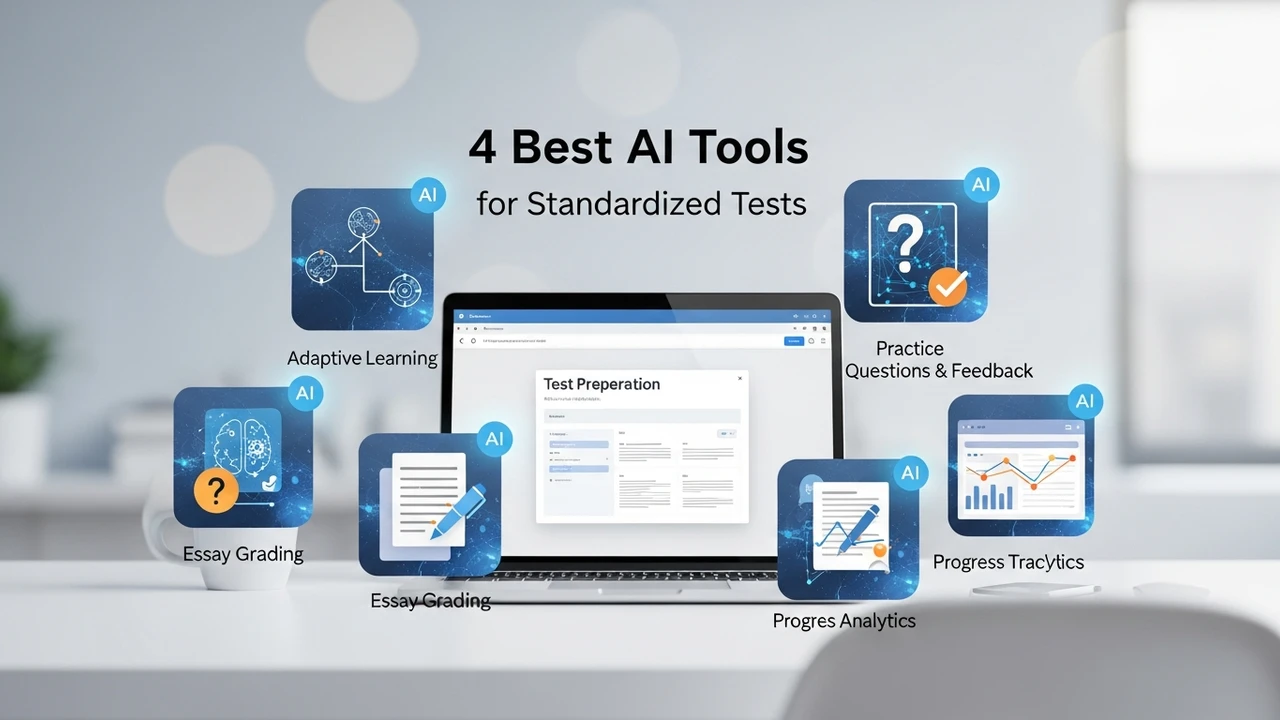
4 Best AI Tools for Creating Study Guides
Generate comprehensive study guides in seconds with these 4 best AI tools that analyze your course syllabus and notes.

4 Best AI Tools for Creating Study Guides
Generate comprehensive study guides in seconds with these 4 best AI tools that analyze your course syllabus and notes.
Let’s be real: staring at a mountain of lecture notes and a thick textbook the night before an exam is the ultimate nightmare. We have all been there, frantically highlighting random sentences and hoping something sticks. But what if you could turn that chaos into a structured, easy-to-digest study guide in just a few clicks? That is where AI comes in. It is not about cheating; it is about working smarter, not harder. Today, we are diving into the four best AI tools that are absolute game-changers for creating study guides, helping you save time and actually understand the material.
Top AI Tools for Automated Study Guide Generation
When you are looking for the best AI tools for study guide creation, you want something that can handle various formats—PDFs, handwritten notes, or even recorded lectures. The goal is to synthesize information into bullet points, summaries, and practice questions. Here are the top contenders that are currently dominating the student market.
1 Quizlet Q Chat for Interactive Learning
Quizlet has been a staple for years, but their new AI-powered Q Chat takes it to another level. It acts like a personal tutor that walks you through your study materials. Instead of just giving you a static guide, it engages you in a conversation about the topic. If you are struggling with a specific concept, Q Chat breaks it down into simpler terms. It is perfect for students who learn better through active recall rather than passive reading. Pricing starts with a free tier, while Quizlet Plus costs around $35.99 per year, offering unlimited access to AI features.
2 Notion AI for Structured Note Organization
Notion is already the king of organization, but adding Notion AI makes it a powerhouse for study guides. You can dump all your messy lecture notes into a page, hit the AI button, and ask it to "summarize this into a study guide with key terms and definitions." It is incredibly fast and keeps everything in one place. You can even create toggle lists to hide answers, which is a fantastic way to test yourself. Notion AI is an add-on for $8 to $10 per month, but the productivity boost is well worth the investment for heavy users.
3 StudyMonkey for Step by Step Explanations
If your study guide needs to include complex problem-solving, StudyMonkey is your best friend. It is specifically designed to help students with homework and exam prep by providing step-by-step explanations. You can upload your syllabus or specific questions, and it generates a guide that explains the 'why' behind the answer. It is particularly strong for STEM subjects. They offer a free trial, and premium plans start at roughly $8 per month, making it a very affordable option for students on a budget.
4 ChatGPT Plus for Custom Study Guide Creation
You cannot talk about AI without mentioning the big player. ChatGPT Plus, specifically using the GPT-4o model, is arguably the most versatile tool for creating study guides. You can upload your entire textbook PDF or a transcript of your lecture, and ask it to create a comprehensive study guide tailored to your professor's specific focus. You can even ask it to create a 7-day study plan based on the guide. At $20 per month, it is a bit pricier, but its ability to handle complex, multi-page documents makes it the most powerful tool on this list.
Comparing AI Study Guide Tools for Different Learning Styles
Choosing the right tool depends on how you study. If you are a visual learner who needs structure, Notion AI is the way to go. If you need a tutor to quiz you, go with Quizlet. If you are tackling heavy math or science, StudyMonkey is the specialist you need. And if you want a 'do-it-all' assistant that can handle massive amounts of data, ChatGPT Plus is the gold standard. Most of these tools offer free versions, so I highly recommend testing them out with a single chapter of your notes before committing to a subscription. You will quickly find which interface feels most natural to your brain.
Maximizing Efficiency with AI Generated Study Materials
The secret to using these tools effectively is the quality of your input. Don't just upload a blank document. Feed the AI your syllabus, your professor's slides, and your own messy notes. The more context you provide, the better the study guide will be. Remember, these tools are meant to assist you, not replace the learning process. Use the guides they generate as a foundation, then add your own insights and annotations. That is how you turn a simple AI output into a personalized roadmap for acing your exams. Happy studying, and may your next test be a breeze.
:max_bytes(150000):strip_icc()/277019-baked-pork-chops-with-cream-of-mushroom-soup-DDMFS-beauty-4x3-BG-7505-5762b731cf30447d9cbbbbbf387beafa.jpg)