5 Best AI Tools for Remote Team Collaboration
Keep your remote team aligned with these 5 best AI tools for meeting summaries and task tracking.
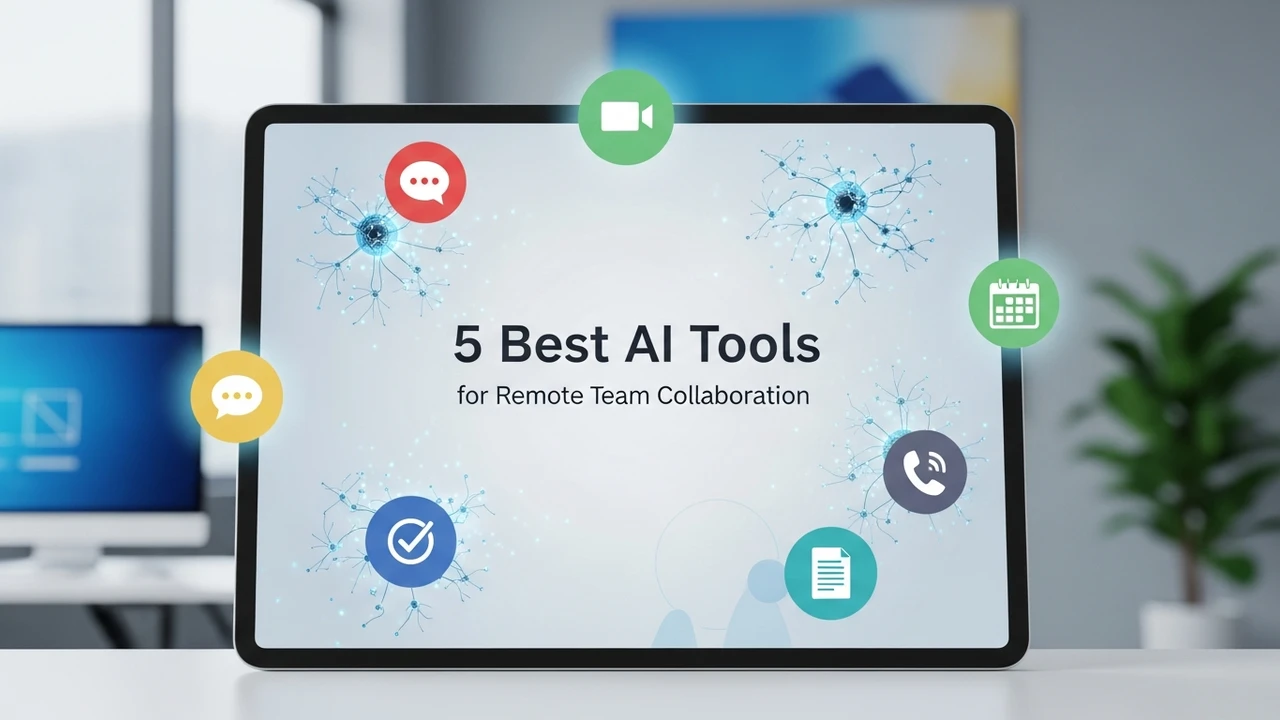
Keep your remote team aligned with these 5 best AI tools for meeting summaries and task tracking.
5 Best AI Tools for Remote Team Collaboration
Working remotely is the new normal, but let’s be honest—it can be a total headache. You’re juggling time zones, endless Zoom calls, and the constant fear that someone missed a crucial update in the project management board. If you feel like you’re spending more time managing communication than actually doing the work, you aren't alone. The good news is that AI has finally caught up to our remote work struggles. We are moving past simple video calls and into an era where AI acts as the glue holding distributed teams together.
Why AI is a Game Changer for Remote Team Collaboration
Think about the last time you had a two-hour meeting. How much of that was actually actionable? Probably about 20 minutes. The rest was filler, side conversations, and people asking, "Wait, what did we decide on that?" AI tools are now stepping in to handle the heavy lifting. They don't just record meetings; they transcribe them, pull out the action items, and even nudge team members when a deadline is approaching. It’s like having a project manager who never sleeps and never forgets a detail.
Top 5 AI Tools for Remote Team Collaboration
We’ve tested dozens of platforms to see which ones actually make a difference in a remote setting. Here are the five that stand out for their ability to keep teams in sync.
1. Otter.ai for Intelligent Meeting Transcription
Otter.ai is the gold standard for anyone tired of taking manual notes. It joins your Zoom, Google Meet, or Microsoft Teams calls and provides a real-time transcript. But it goes further—it identifies who said what and generates a summary of the key points. For remote teams, this is a lifesaver because it creates a searchable database of every conversation you’ve ever had.
Use Case: Perfect for product teams that need to document user feedback or engineering teams that need to track technical decisions made during syncs.
Pricing: Free tier available; Pro starts at $10/user/month.
2. Motion for AI Driven Task Scheduling
Motion is less of a to-do list and more of an AI personal assistant. It looks at your calendar, your task list, and your priorities, then automatically builds your schedule for you. If a meeting runs over, Motion shifts your tasks around to ensure you still hit your deadlines. It’s incredible for remote workers who struggle with time blocking.
Use Case: Ideal for project managers or individual contributors who have a high volume of tasks and need help prioritizing their day.
Pricing: Starts at $19/user/month.
3. Fireflies.ai for Automated Workflow Integration
Fireflies is similar to Otter but leans heavily into the integration side. It doesn't just transcribe; it pushes those notes directly into your CRM or project management tool like Asana or Trello. It’s all about closing the loop between talking about work and actually logging it.
Use Case: Sales teams and account managers who need to log client calls without spending hours typing up notes after every meeting.
Pricing: Free tier available; Pro starts at $10/user/month.
4. Slack AI for Smarter Team Communication
If your team lives in Slack, you know the pain of coming back from a day off to 500 unread messages. Slack AI solves this by summarizing threads and channels. You can ask it, "What did the design team decide about the new logo?" and it will give you the answer without you having to scroll through hours of chatter.
Use Case: Large, fast-moving teams that need to stay updated on project status without being glued to the chat window 24/7.
Pricing: Available as an add-on for paid Slack plans.
5. Notion AI for Collaborative Knowledge Management
Notion has always been great for documentation, but their AI features take it to another level. It can summarize long documents, rewrite content for clarity, and even generate project plans from a few bullet points. It’s the central brain for your remote team’s knowledge base.
Use Case: Teams that need a single source of truth for documentation, onboarding materials, and project specs.
Pricing: AI add-on is $8/user/month.
Comparing the Best AI Collaboration Tools
Choosing the right tool depends on your team's biggest pain point. If you are drowning in meetings, Otter or Fireflies should be your first stop. If your team is struggling with deadlines and scheduling, Motion is the clear winner. For teams that rely on documentation and chat, Notion and Slack AI are essential. Most of these tools offer free trials, so don't be afraid to test them out with a small group before rolling them out to the entire company. The goal is to reduce friction, not add another layer of software for your team to learn. Start with one, see how it changes your workflow, and go from there.
:max_bytes(150000):strip_icc()/277019-baked-pork-chops-with-cream-of-mushroom-soup-DDMFS-beauty-4x3-BG-7505-5762b731cf30447d9cbbbbbf387beafa.jpg)