5 Best AI Tools for Automating Daily Office Tasks
Increase your workplace productivity with these 5 best AI tools designed to automate repetitive administrative tasks.
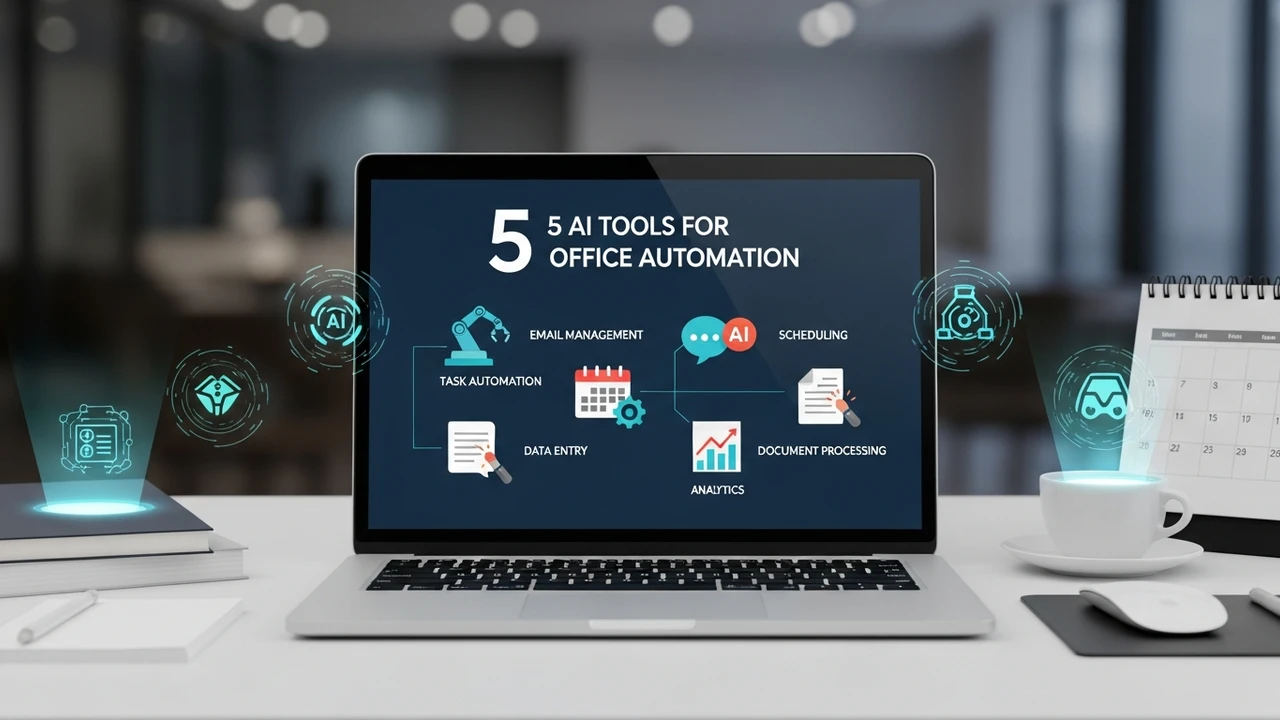
5 Best AI Tools for Automating Daily Office Tasks
Increase your workplace productivity with these 5 best AI tools designed to automate repetitive administrative tasks.
We have all been there—stuck in a loop of endless email replies, scheduling conflicts, and data entry that feels like it takes up half our day. It is exhausting, right? The good news is that the landscape of office work is changing rapidly. Artificial Intelligence is no longer just a buzzword; it is a practical assistant that can handle the mundane parts of your job so you can focus on the creative and strategic work that actually matters. If you are looking to reclaim your time and boost your efficiency, you are in the right place. Let’s dive into the best AI tools that are currently transforming how we handle daily office operations.
Top AI Tools for Email Management and Communication Automation
Email is often the biggest productivity killer in any office environment. Between sorting through newsletters, responding to routine inquiries, and managing threads, it is easy to lose hours every single day. Tools like SaneBox and Lavender are changing the game here. SaneBox uses AI to analyze your email habits and automatically move unimportant emails into separate folders, ensuring your inbox only contains what is truly urgent. On the other hand, Lavender acts as a real-time writing coach for your emails. It analyzes your tone, length, and clarity, suggesting edits that increase your chances of getting a response. For a professional, this means less time spent agonizing over phrasing and more time closing deals or finishing projects. Pricing for these tools usually starts around $7 to $29 per month, depending on the depth of features you need.
AI Scheduling Assistants for Seamless Meeting Coordination
How many times have you sent five emails just to find a time for a thirty-minute meeting? It is a classic office headache. AI scheduling tools like Motion and Reclaim.ai are designed to eliminate this back-and-forth entirely. Motion, for instance, doesn't just schedule meetings; it builds your entire day for you. It looks at your to-do list, your deadlines, and your calendar, then automatically slots in time for deep work and meetings. If a meeting runs over, it automatically reshuffles your remaining tasks. It is like having a personal assistant who is obsessed with efficiency. Reclaim.ai is equally impressive, focusing on protecting your time for habits and tasks. These tools typically cost between $12 and $20 per user per month, which is a small price to pay for the hours of sanity you gain back each week.
Automating Data Entry and Document Processing with AI
Data entry is perhaps the most tedious task in any office. Whether you are dealing with invoices, receipts, or customer information, manual entry is prone to human error. Tools like Rossum and Zapier are the heavy hitters here. Rossum uses advanced AI to read documents like a human would, extracting data from invoices and purchase orders without needing specific templates. It learns as you use it, making it faster over time. Zapier, while broader in scope, allows you to connect thousands of apps. You can set up a workflow where an email attachment is automatically saved to Google Drive, the data is parsed into a spreadsheet, and a notification is sent to Slack—all without you lifting a finger. Zapier offers a free tier, but professional workflows usually start around $20 to $50 per month.
Comparing AI Productivity Suites for Different Office Needs
When you look at these tools side-by-side, the choice often comes down to your specific pain points. If your biggest issue is communication, prioritize an AI writing assistant. If your calendar is a mess, go for an AI scheduler. For teams that deal with high volumes of paperwork, document automation is the priority. Unlike traditional software, these AI tools are adaptive. They don't just follow rules; they learn your preferences. For example, while a standard calendar app just shows you your schedule, Motion actively manages it. This shift from passive tools to active agents is what makes the current generation of AI so powerful. Most of these platforms offer free trials, so I highly recommend testing them with your actual workflow before committing to a subscription.
Implementing AI Automation Without Disrupting Your Workflow
The biggest mistake people make when adopting AI is trying to automate everything at once. Start small. Pick one task that you absolutely hate doing—maybe it is clearing your inbox or scheduling team syncs—and implement one tool for that specific purpose. Once you see the time savings, you will naturally find other areas where AI can help. Remember, the goal isn't to replace your brain; it is to offload the cognitive load of repetitive tasks. By integrating these tools, you are not just working faster; you are working smarter. You are creating space for the high-level thinking that makes you valuable to your team and your company. It is time to stop being a slave to your inbox and start using the technology available to build a more productive, less stressful workday.
:max_bytes(150000):strip_icc()/277019-baked-pork-chops-with-cream-of-mushroom-soup-DDMFS-beauty-4x3-BG-7505-5762b731cf30447d9cbbbbbf387beafa.jpg)