3 Best AI Tools for Virtual Classroom Engagement
Keep your online students engaged with these 3 best AI tools for interactive polls and collaborative whiteboards.
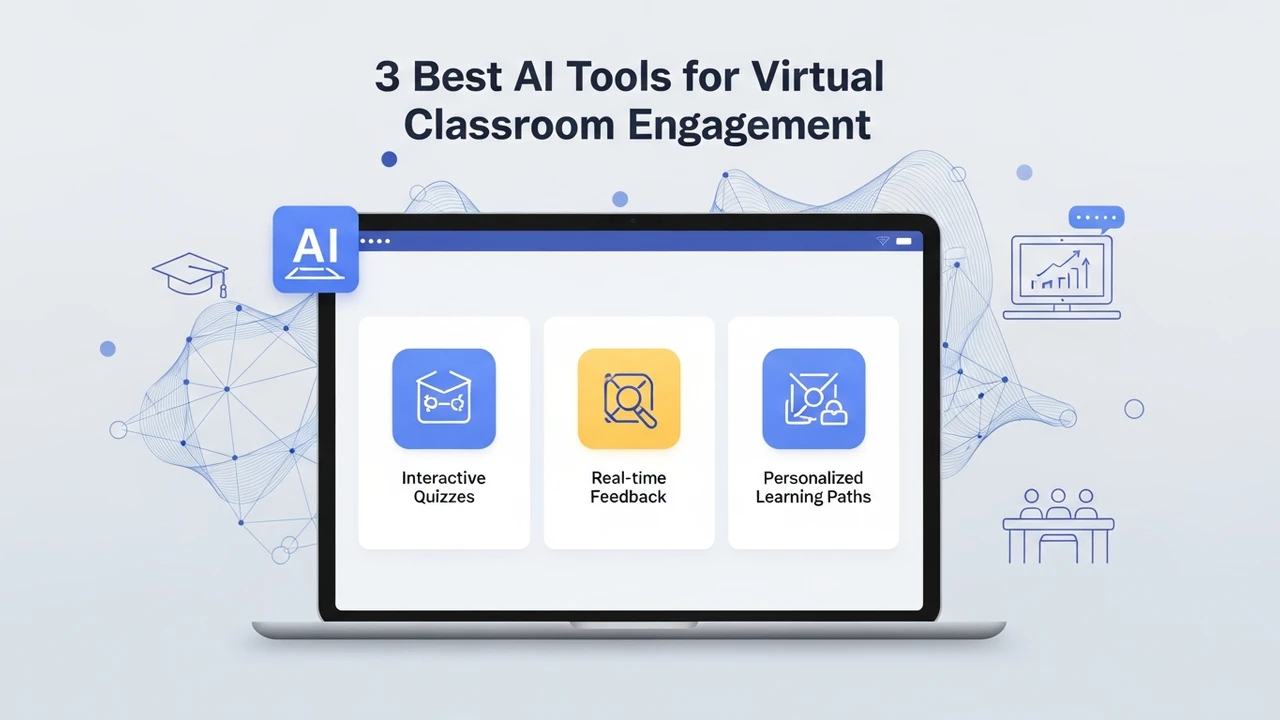
Keep your online students engaged with these 3 best AI tools for interactive polls and collaborative whiteboards.
3 Best AI Tools for Virtual Classroom Engagement
Let’s be honest, keeping students awake and focused during a Zoom lecture is one of the hardest parts of modern teaching. We have all seen those black screens with names on them, and we know the struggle of trying to get a conversation going when everyone is muted. The good news is that AI has stepped in to change the game. It is no longer just about talking at a screen; it is about creating an environment where students actually want to participate. If you are looking to turn your virtual classroom from a snooze-fest into a hub of activity, you are in the right place.
Why AI Matters for Virtual Classroom Engagement
The biggest hurdle in online learning is the lack of physical presence. When you are in a room, you can read the energy. Online, you are guessing. AI tools bridge this gap by providing real-time feedback, automating the boring stuff, and making interaction feel natural rather than forced. Whether you are teaching a small seminar or a massive lecture, these tools help you track who is paying attention and who needs a little extra nudge.
Top 3 AI Tools for Interactive Learning
After testing dozens of platforms, three stand out for their ability to keep students glued to their screens. These tools are not just fancy gadgets; they are practical solutions for real-world teaching problems.
1. ClassPoint AI
ClassPoint is a powerhouse for anyone using PowerPoint. It turns your static slides into an interactive playground. The AI feature generates quiz questions directly from your slide content, meaning you don't have to spend hours writing questions manually. It is perfect for checking understanding on the fly.
Use Case: Use it during a live lecture to drop a quick quiz. If the class gets a question wrong, you know you need to re-explain that concept immediately.
Pricing: They offer a free basic version, while the Pro plan starts at around $8 per month, which is a steal for the features you get.
2. Miro with AI Assist
Miro is the king of collaborative whiteboards, but their new AI features take it to another level. You can use AI to cluster sticky notes, summarize brainstorming sessions, or even generate mind maps from a simple prompt. It makes group work feel like you are all in the same room.
Use Case: Perfect for design thinking workshops or group projects where students need to map out complex ideas together in real-time.
Pricing: Miro has a generous free tier. The Starter plan is about $8 per user/month, making it accessible for most educational budgets.
3. Mentimeter AI
Mentimeter is all about the pulse of the room. Their AI-powered question generator helps you create polls and word clouds that spark discussion. It is anonymous, which is a huge plus for shy students who might be afraid to speak up in front of the whole class.
Use Case: Start your class with a word cloud to see how everyone is feeling or to gauge prior knowledge on a new topic.
Pricing: The free version is great for small classes. The Basic plan starts at $11.99 per month, offering more advanced data export and unlimited questions.
Comparing the Best AI Engagement Tools
Choosing the right tool depends on your teaching style. If you are a PowerPoint heavy user, ClassPoint is your best friend. If you focus on collaboration and visual brainstorming, Miro is the clear winner. For those who want to keep the energy high with quick polls and feedback, Mentimeter is the way to go. Many teachers actually use a combination of these to keep things fresh throughout the semester.
Tips for Implementing AI in Your Virtual Classroom
Don't try to use everything at once. Start small. Pick one tool and use it for a week. Ask your students for feedback—they will tell you if it is actually helping them learn or if it is just another distraction. The goal is to make the technology invisible so that the learning remains the focus. Remember, these tools are here to support your teaching, not replace your personality. Your energy is still the most important part of the classroom, whether it is virtual or physical.
:max_bytes(150000):strip_icc()/277019-baked-pork-chops-with-cream-of-mushroom-soup-DDMFS-beauty-4x3-BG-7505-5762b731cf30447d9cbbbbbf387beafa.jpg)