4 Best AI Tools for Analyzing Student Performance Data
Identify learning gaps with these 4 best AI tools that analyze student performance data and provide actionable insights.
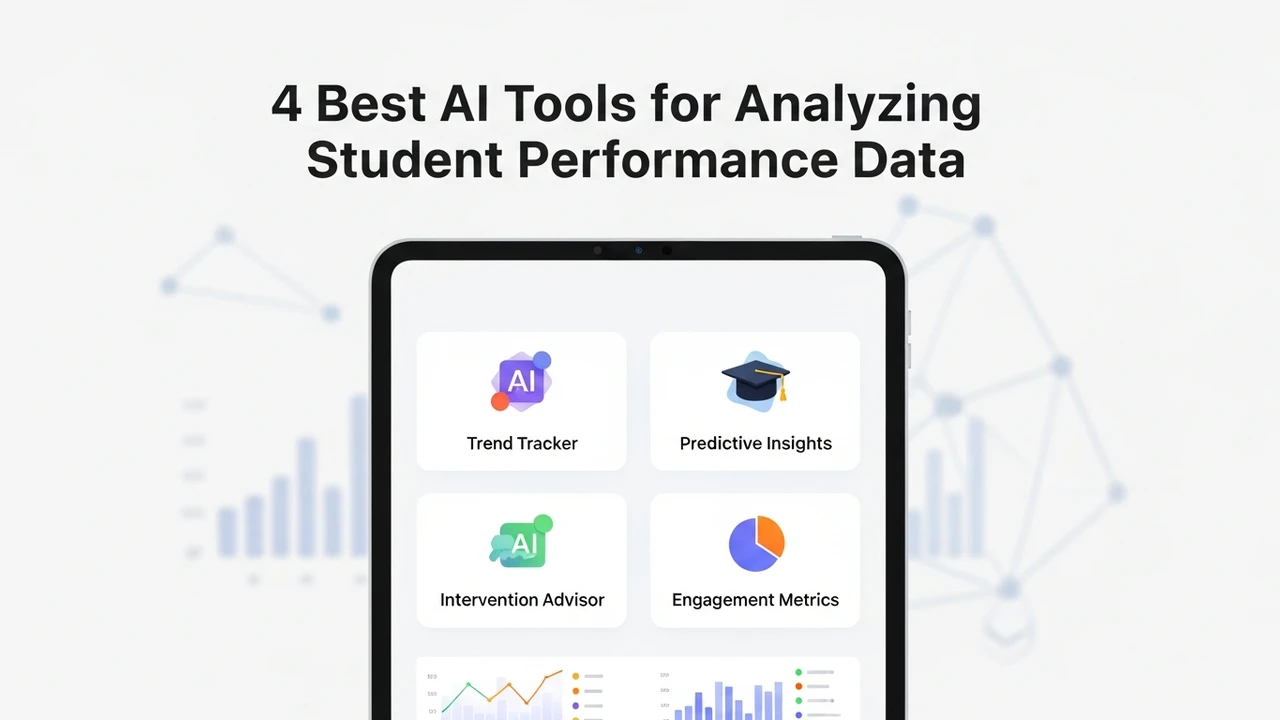
Identify learning gaps with these 4 best AI tools that analyze student performance data and provide actionable insights.
4 Best AI Tools for Analyzing Student Performance Data
If you are an educator, you know the struggle of staring at a spreadsheet filled with test scores, attendance records, and assignment grades, trying to figure out who is actually learning and who is just drifting. It is exhausting. The good news is that we are living in the age of AI, and there are some incredible tools out there that do the heavy lifting for you. Instead of spending your weekends manually calculating averages, you can let these platforms spot the trends, predict who might fail, and suggest exactly how to help them.
Why AI Data Analytics is a Game Changer for Teachers
Think of AI as a teaching assistant that never sleeps. When you use AI to analyze student performance data, you are moving from reactive teaching—where you only notice a problem after a student fails a test—to proactive teaching. These tools look at patterns across your entire class. Maybe a student is doing great on homework but failing quizzes. Maybe a specific topic is causing 80% of your class to struggle. AI catches these things instantly, allowing you to pivot your lesson plan before it is too late.
Top 4 AI Tools for Student Performance Analysis
1. PowerSchool Unified Insights
PowerSchool is the big player in the room. It is designed for schools that want a bird's-eye view of everything. It pulls data from your LMS, your attendance system, and your grade book to give you a holistic view of every student. It is fantastic for identifying at-risk students early. The interface is professional, and the predictive modeling is top-tier. It is usually priced for enterprise or district-wide adoption, so you might need to talk to your administration about getting a license.
2. BrightBytes
BrightBytes is all about the 'why' behind the data. It doesn't just tell you that a student is struggling; it helps you understand the context. It looks at technology usage, social-emotional learning, and academic performance. It is perfect for teachers who want to see the whole child. The dashboard is very visual, making it easy to present findings to parents or school boards. Pricing is typically customized based on the size of your institution.
3. Tableau with AI Extensions
If you are a bit of a data nerd, Tableau is the gold standard. While it is not strictly an 'education' tool, its AI-powered analytics features are incredibly powerful for teachers who want to build custom dashboards. You can drag and drop your grade data and let the AI find correlations you never would have spotted. It is great for high school or university settings where you have large datasets. They offer a free version for students and teachers, but the full enterprise version can get pricey.
4. Khan Academy Districts
For those who want something more integrated into the actual learning process, Khan Academy’s teacher dashboard is a hidden gem. It uses AI to track exactly where a student is getting stuck in a math or science problem. It provides real-time alerts when a student is struggling with a specific concept. It is incredibly user-friendly and, for many basic features, it is free, making it the most accessible option on this list.
Comparing the Best AI Analytics Platforms
When you are choosing between these, think about your specific needs. If you are a district administrator, PowerSchool is your best bet for scale. If you are a classroom teacher who wants to see real-time progress on specific skills, Khan Academy is unbeatable. Tableau is for the data-driven educator who wants total control over their visualizations, while BrightBytes is for those who want to focus on the holistic well-being of their students.
How to Use These Tools in Your Daily Routine
Don't try to do everything at once. Start by picking one tool and using it to check your data once a week. Look for the 'red flags'—students who are trending downward. Reach out to them before the next big exam. Use the data to group your students for small-group instruction. You will be surprised at how much more effective your teaching becomes when you are making decisions based on actual evidence rather than just a gut feeling. It is not about replacing your intuition; it is about giving your intuition a superpower.
:max_bytes(150000):strip_icc()/277019-baked-pork-chops-with-cream-of-mushroom-soup-DDMFS-beauty-4x3-BG-7505-5762b731cf30447d9cbbbbbf387beafa.jpg)