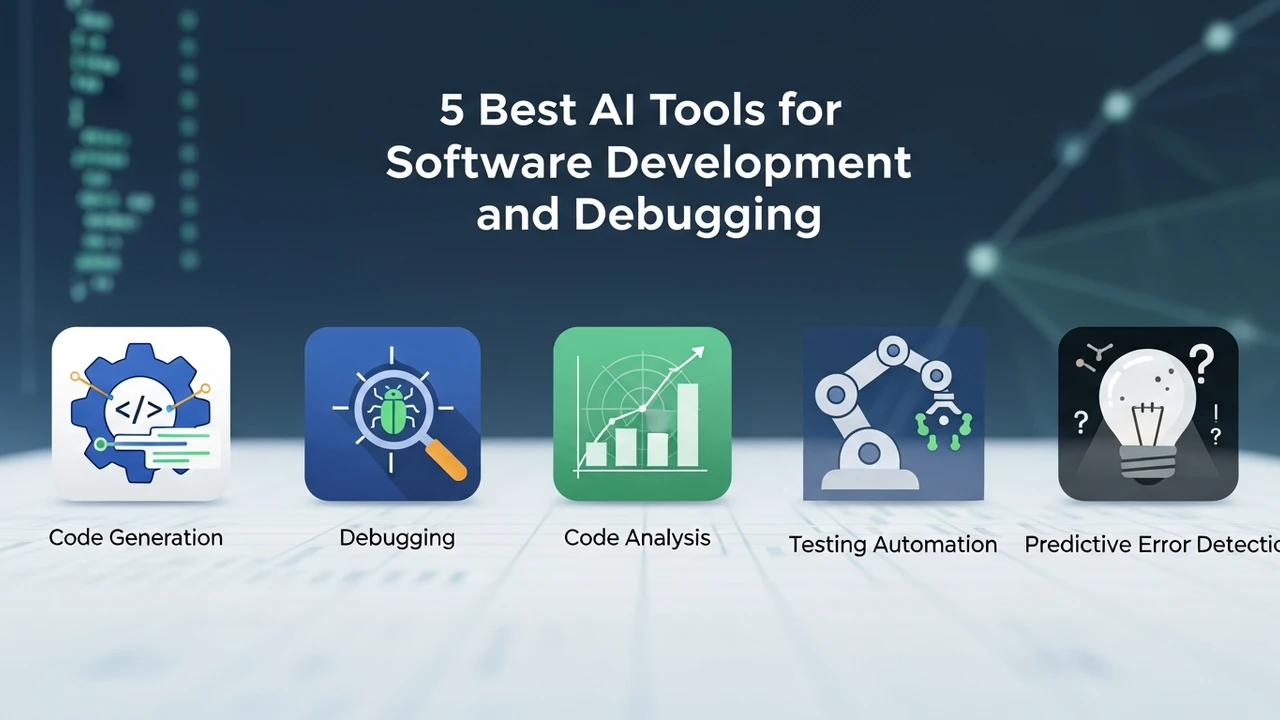
5 Best AI Tools for Software Development and Debugging
Accelerate your development cycle with these 5 best AI tools that assist in writing, testing, and debugging code.
Accelerate your development cycle with these 5 best AI tools that assist in writing, testing, and debugging code.
5 Best AI Tools for Software Development and Debugging
Let’s be real—coding is hard. You spend hours staring at a screen, hunting for that one missing semicolon or trying to figure out why your API call is returning a 404 error. It’s exhausting. But what if you had a pair programmer who never slept, never got frustrated, and knew every library in existence? That’s where AI-powered development tools come in. They aren't here to replace you; they are here to handle the grunt work so you can focus on the actual architecture and logic.
Top AI Coding Assistants for Faster Software Development
When we talk about AI in software development, we are looking for tools that understand context. It’s not just about autocomplete; it’s about intent. GitHub Copilot is arguably the king of this space. It’s trained on billions of lines of public code, meaning it can suggest entire functions based on a simple comment. If you’re working in Python, JavaScript, or Go, it feels like magic. You type a function name, and it fills in the boilerplate. It’s a massive time-saver for repetitive tasks.
Then there’s Tabnine. Unlike Copilot, which is a cloud-based model, Tabnine offers a more privacy-focused approach. You can run it locally, which is a huge deal for enterprise teams that can’t risk their proprietary code leaving their servers. It learns your specific coding style, so the suggestions feel like they actually came from you, not some generic bot.
AI Debugging Tools for Efficient Error Resolution
Debugging is where most developers lose their minds. You’ve got a stack trace that looks like a foreign language, and you’re three hours deep into a rabbit hole. Sentry has integrated AI features that go beyond just logging errors. It groups similar issues and, more importantly, suggests potential fixes. It’s like having a senior dev look over your shoulder and say, "Hey, you probably forgot to handle this null pointer exception here."
Another game-changer is DeepCode, which is now part of Snyk. It acts like a spellchecker for your logic. It scans your code for vulnerabilities and bugs that aren't just syntax errors but actual security flaws. It’s incredibly useful for catching things like SQL injection risks or insecure cryptographic implementations before you even push to production.
Comparing AI Development Platforms and Pricing Models
So, how do you choose? If you’re a solo dev or a student, GitHub Copilot is the gold standard. It costs about $10 a month, and for the amount of time it saves, it’s a steal. It integrates perfectly with VS Code, which is what most of us are using anyway.
If you’re working in a corporate environment, you might want to look at Cursor. Cursor is a fork of VS Code that has AI baked into the core. It’s not just an extension; it’s the whole editor. You can highlight a block of code and ask the AI to refactor it, explain it, or find a bug. It’s incredibly powerful. They have a free tier, but the pro version is around $20 a month. It’s worth every penny if you’re doing heavy lifting.
For those who need deep security analysis, Snyk is the way to go. They have a free tier for open-source projects, but enterprise pricing is custom. It’s an investment, but compared to the cost of a data breach, it’s cheap insurance.
Real World Use Cases for AI Coding Tools
Imagine you’re building a React application. You need to fetch data from an API, handle the loading state, and manage the error state. Instead of writing all that boilerplate, you just type a comment: "Fetch user data from /api/users and handle loading and error states." Copilot generates the whole hook for you. You just review it, tweak the variable names, and you’re done in seconds.
Or consider the scenario where you’re working with a legacy codebase. You’ve inherited a massive file with no documentation. You can use Cursor to explain the code block by block. You can ask, "What does this function do?" and it gives you a plain English summary. It turns a week-long onboarding process into a few hours of exploration.
Choosing the Right AI Stack for Your Workflow
At the end of the day, the best tool is the one that fits into your existing workflow without getting in the way. If you love your current IDE, stick with an extension like Copilot or Tabnine. If you’re willing to switch editors for a massive productivity boost, give Cursor a shot. If you’re worried about security and compliance, look into Snyk or self-hosted Tabnine instances.
Don't try to use all of them at once. Start with one, get used to how it suggests code, and see if it actually makes your life easier. The goal is to reduce the friction between your brain and the machine. Once you get that flow state, you’ll never want to go back to writing every single line of code by hand again. It’s a new era of development, and honestly, it’s a pretty exciting time to be a programmer.
:max_bytes(150000):strip_icc()/277019-baked-pork-chops-with-cream-of-mushroom-soup-DDMFS-beauty-4x3-BG-7505-5762b731cf30447d9cbbbbbf387beafa.jpg)